
Reachy Mini documentation
Reachy Mini Lite - Setup Guide
Reachy Mini Lite - Setup Guide
The Reachy Mini Lite is the tethered version designed for education and development. It requires a computer to run its intelligence.
1. 🔧 Assembly
Reachy Mini comes as a kit. Building it is the first step of your journey!
- Time required: 2 to 3 hours.
- Tools: Everything is included in the box.
- Instructions: We strongly recommend following the video guide alongside the manual.
💡 Pro Tip: We strongly recommend having the Online Guide or the assembly video open alongside the paper booklet (see below). The online version includes short video extracts for every step, which makes the assembly much easier to understand.
| 📖 Interactive Digital Guide | 📺 Full Assembly Video |
|---|---|
 Open Step-by-Step Guide (Includes short video loops) | 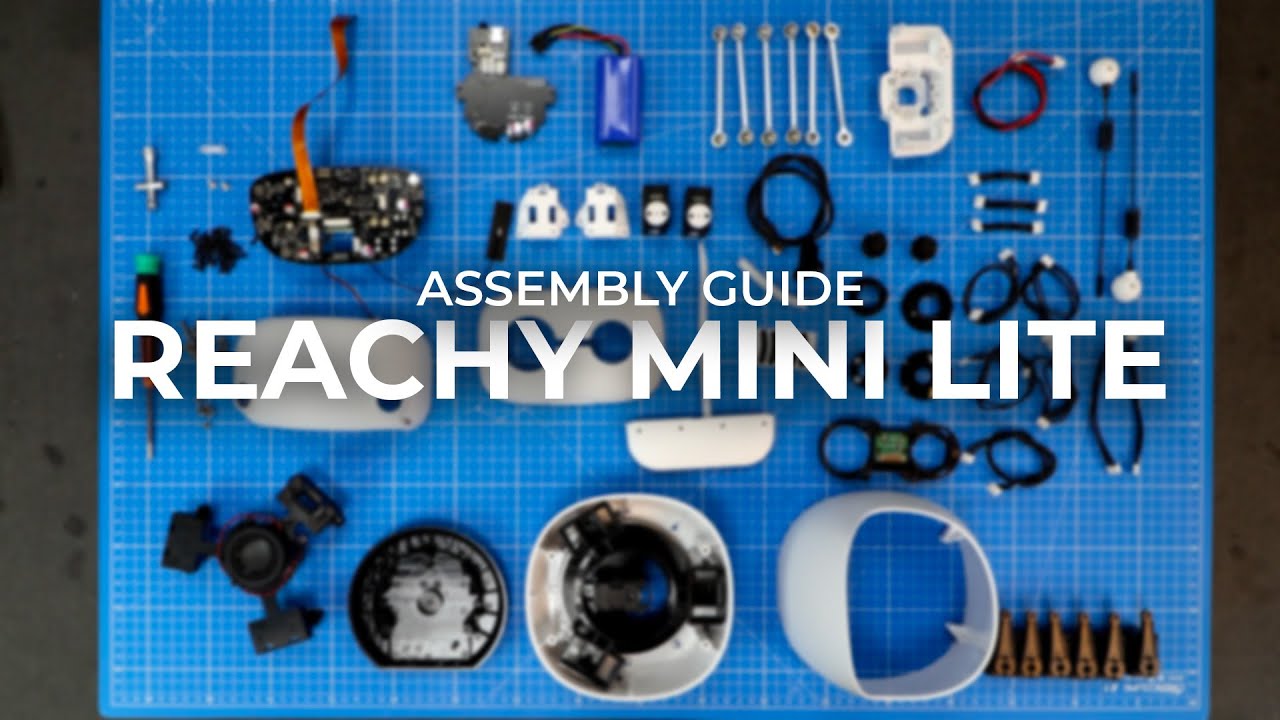 Watch on YouTube (Video with sections for each step) |
2. 💻 Connection
- Power Up: Plug the robot into a wall outlet using the provided power supply.
- Connect Data: Connect the USB cable from the robot to your computer.
3. 📥 Download Reachy Mini Control
⚠️ Reachy Mini Control Compatibility:
- ARM64 systems (DGX, Jetson, Surface etc.) and unusual Linux distributions: The desktop app may not work on your system.
Alternative: If the desktop app doesn’t work on your setup, you can install and use the Python SDK directly - it’s a fully supported and valid way to control your robot!
The Reachy Mini Control desktop app is the command center for your robot. It includes visualization tools, an app launcher, and system settings—no command line required.

Get the App:
- 👉 Download from Official Website (Recommended for Windows, macOS, Linux)
- Alternative: GitHub Releases (For specific versions)
✨ Auto-Update: Once installed, simply open the app. It will automatically check for and install the latest updates for both the App and the Robot’s internal software.
4. 🕹️ Next Step: Using the Robot
Now that everything is connected and installed, you are ready to play!
👉 Go to the Usage Guide to learn how to:
- Use the Desktop App features.
- Install and run Community Apps (Conversation, Games, etc.).
- Program your Reachy with Python.
❓ Troubleshooting
Encountering an issue? 👉 Check the Troubleshooting & FAQ Guide
Update on GitHub