


- Prompt
- Remove the background from the image

- Prompt
- Remove the background from the image

- Prompt
- Remove the background from the image

- Prompt
- Remove the background from the image



🎯 What does this model do?
This LoRA removes the background from images and isolates the main subject. Simply provide an image, and the model will extract the subject with a clean background removal.
┌─────────────────────────────────────┐
│  ░░░░░░░░░░░░░░░░░░░░░░░░░░░░░░░░░  │
│  ░░░░░░░░░░░░░░░░░░░░░░░░░░░░░░░░░  │  Background
│  ░░░░░░░░░ [Subject] ░░░░░░░░░░░░░  │  gets removed
│  ░░░░░░░░░░░░░░░░░░░░░░░░░░░░░░░░░  │  cleanly
│  ░░░░░░░░░░░░░░░░░░░░░░░░░░░░░░░░░  │
└─────────────────────────────────────┘
Perfect for product photography, subject isolation, and creative compositions.
🖼️ Examples
| Input | Output (background removed) |
|---|---|
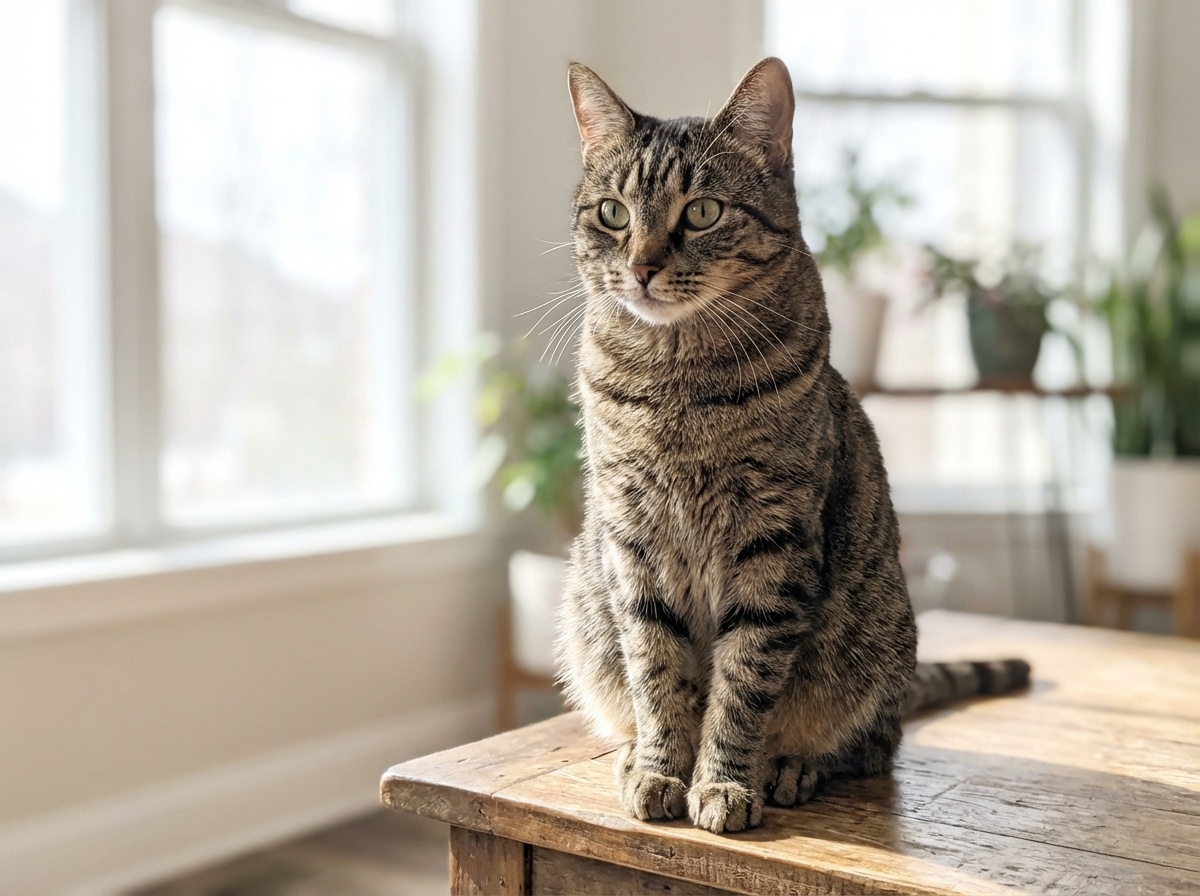 |
 |
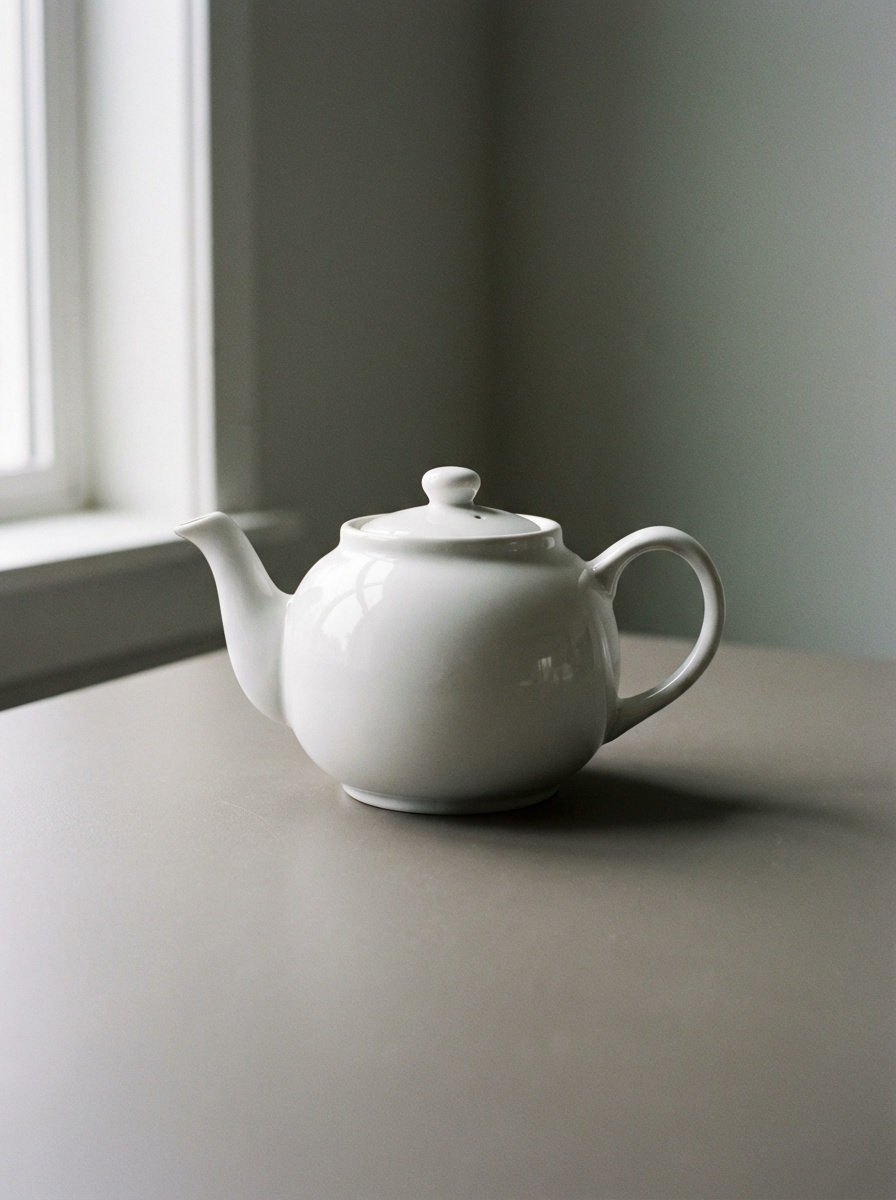 |
 |
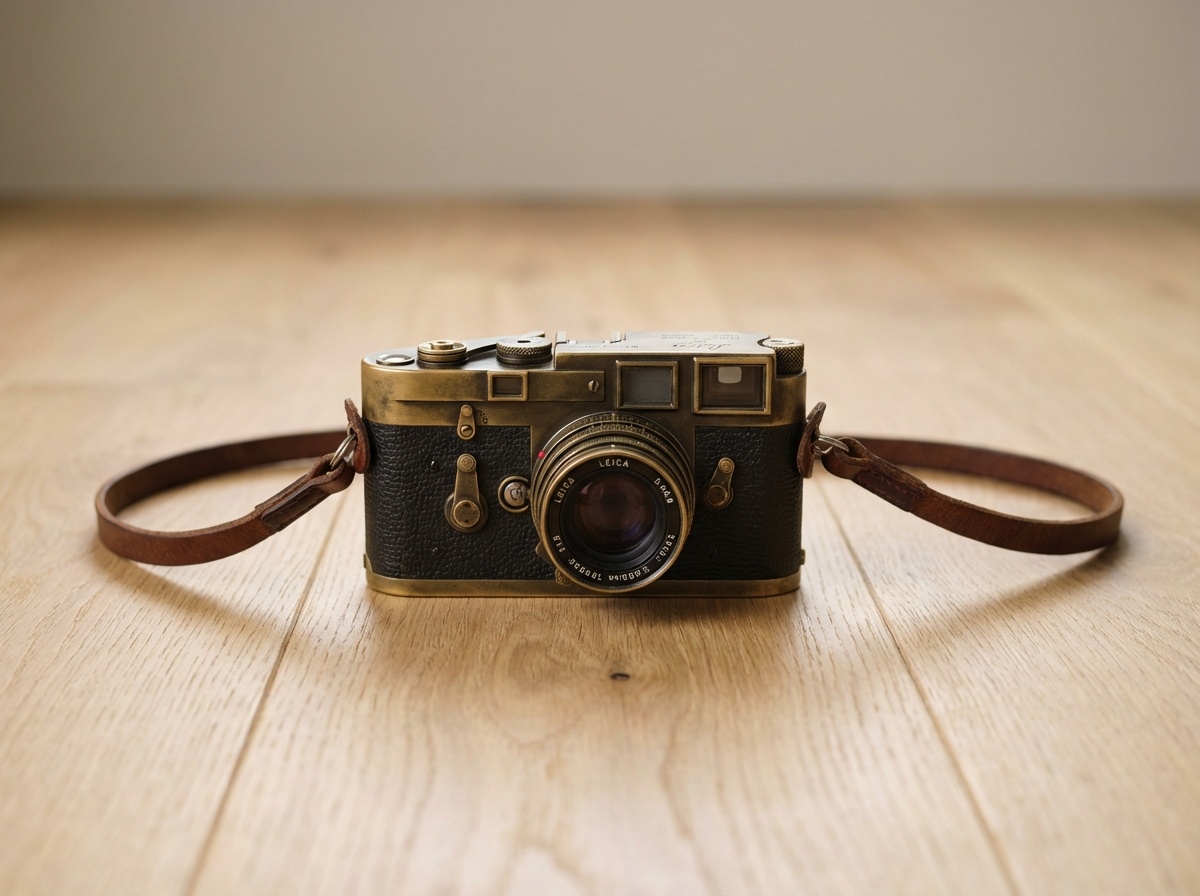 |
 |
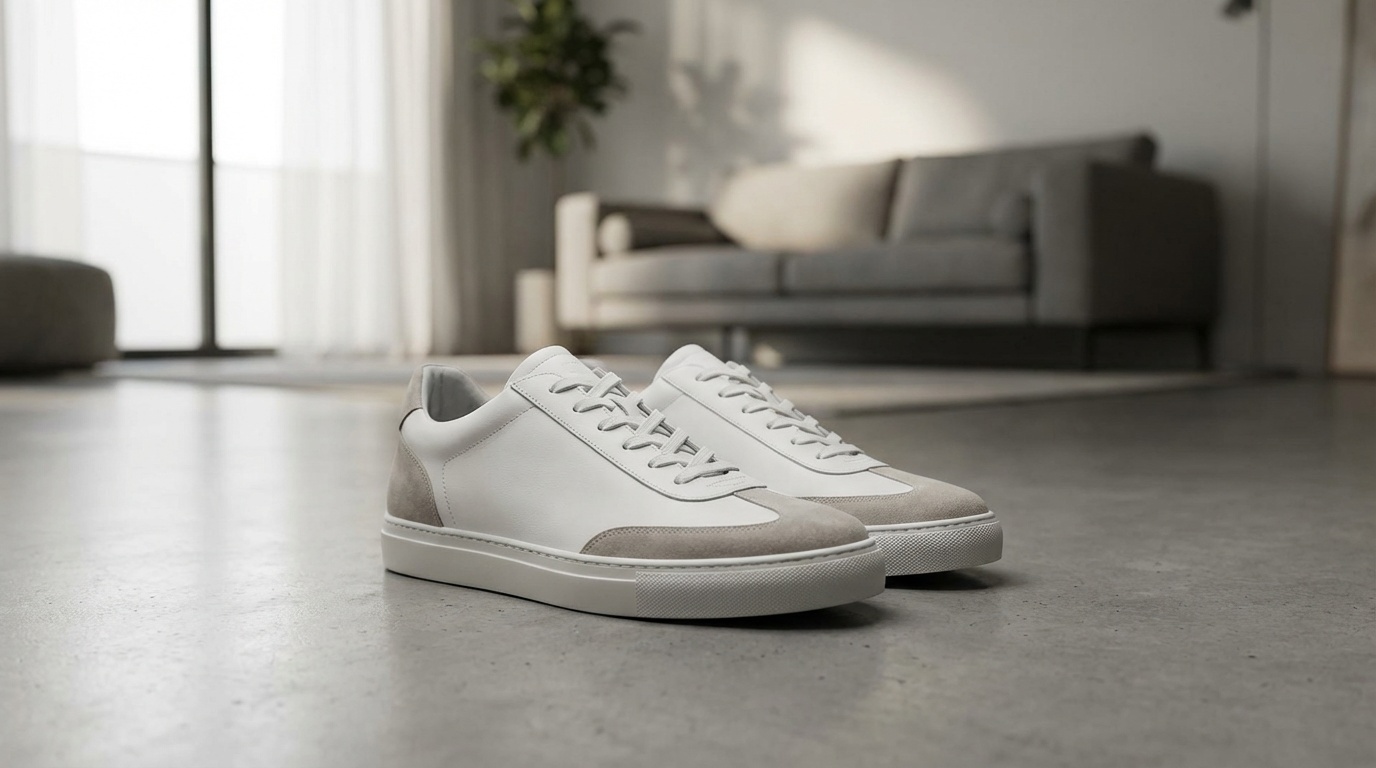 |
 |
🚀 Quick Start
Prompt
Remove the background from the image
💻 Usage
Try it Live on fal.ai
With fal.ai SDK
import fal_client

def on_queue_update(update):
    if isinstance(update, fal_client.InProgress):
        for log in update.logs:
           print(log["message"])

result = fal_client.subscribe(
    "fal-ai/flux-2/klein/4b/base/edit/lora",
    arguments={
        "prompt": "Remove the background from the image",
        "model_name": None,
        "loras": [{
            "path": "https://huggingface.co/fal/flux-2-klein-4B-background-remove-lora/resolve/main/flux-background-remove-lora.safetensors",
            "scale": 1.1
        }],
        "embeddings": [],
        "image_urls": ["https://your-image.png"]
    },
    with_logs=True,
    on_queue_update=on_queue_update,
)
print(result)
📦 Model Files
| File | Use Case |
|---|---|
flux-background-remove-lora.safetensors |
fal.ai |
sQn8ANj2lbtrfeemXQta0_pytorch_lora_weights_comfy_converted.safetensors |
ComfyUI |
🎓 Training Details
Click to expand
Dataset
- Size: 100 image pairs
- Content: Diverse subjects with background removal including:
- People: portraits, full body shots
- Products: electronics, furniture, accessories
- Animals: pets, wildlife
- Objects: vehicles, art pieces, everyday items
- Output: Clean subject isolation
- Aspect ratios: Various (1:1, 16:9, 9:16, 4:3, 3:4, etc.)
Training
- Base Model: FLUX.2-Klein 4B
- Platform: fal.ai
- Method: LoRA training
- Steps: 4000
- Learning Rate: 0.00005
🎮 Use Cases
- Product Photography: Isolate products for e-commerce listings
- Portrait Editing: Remove backgrounds from portraits
- Creative Compositing: Extract subjects for new compositions
- Marketing Materials: Create clean cutouts for designs
⚠️ Limitations
- Works best with clear subject-background separation
- Complex subjects with fine details (hair, fur) may have artifacts at edges
- Semi-transparent objects may not be perfectly isolated
📄 License
Model tree for fal/flux-2-klein-4B-background-remove-lora
Base model
black-forest-labs/FLUX.2-klein-4B